AI Tools ProShortcuts
ToolsPromptsLooksWeb Finds
AI Tools Pro

A focused library of useful AI tools, practical prompts, and photo Looks. Free access is checked before it earns a badge.

All toolsPromptsLooksWorkflowsSaved Channel
TodayDiscoverPromptsLooksVault
All tools
Pixelcut
Access
Free tier
0
Image & Design Checked Aug 30, 2026

Pixelcut

Create clean product photos and marketing visuals with AI background removal, editing, upscaling, and batch workflows.

Best for: E-commerce sellers, marketers, and creators who need polished product imagery quickly.

Visit Pixelcut

What you can do with it

  • Remove a background from a product photo
  • Create consistent product scenes and AI shadows
  • Batch-edit listing images and upscale a low-resolution asset

Good to know

  • Fast background removal, product imagery, retouching, upscale, expand, shadows, and batch edits
  • Focused on e-commerce and social visuals rather than a general design canvas
  • The free version lets users try core tools before upgrading

Limitations

  • Free access has usage and feature limits; advanced models and credits are paid
  • AI edits can require manual review for edges, text, and product accuracy
  • The product has used both Pixa and Pixelcut domains, so older links may redirect

Other official links

Free vs Pro Usage limits
Keep exploring

Similar tools

View more
remove.bg
Free tier

remove.bg

An automatic background remover that creates clean cutouts and transparent PNGs in seconds.

Image & Design
Cleanup.pictures
Free tier

Cleanup.pictures

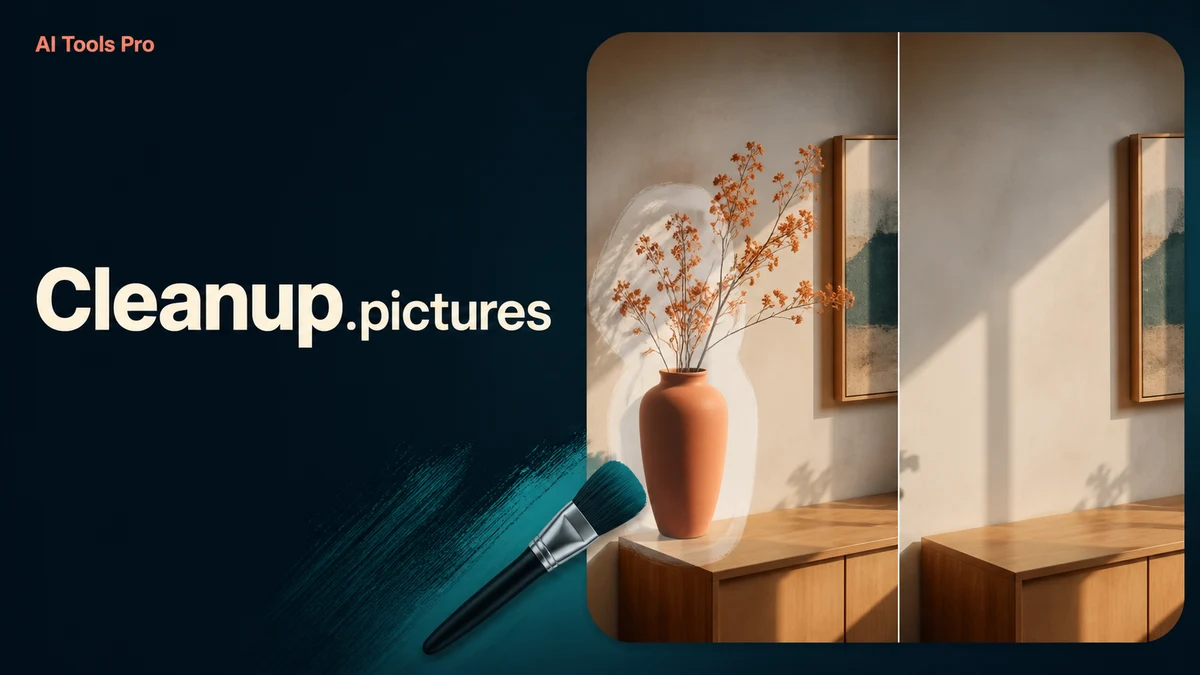
Brush over a distraction and let AI rebuild what should be behind it.

Image & Design
SnapEdit
Free tier

SnapEdit

Clean up a photo, remove a distraction, or prepare a product image in a few browser steps.

Image & Design